CHAX Knowledge Base
Step-by-step help for MultiCHAX 11 and CHAX 11, with guides for older versions below.
MultiCHAX 11 Help CHAX 11 HelpUsing an older version? Find older guides.
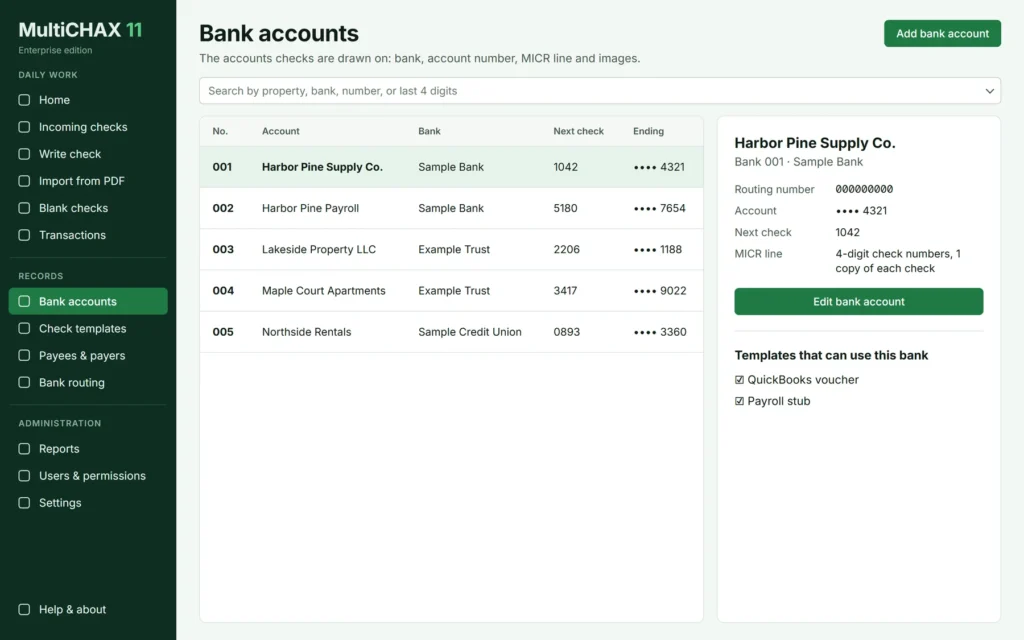

Step-by-step help for MultiCHAX 11 and CHAX 11, with guides for older versions below.
MultiCHAX 11 Help CHAX 11 HelpUsing an older version? Find older guides.
By product
Each Help Center has search, and step-by-step articles with screenshots.
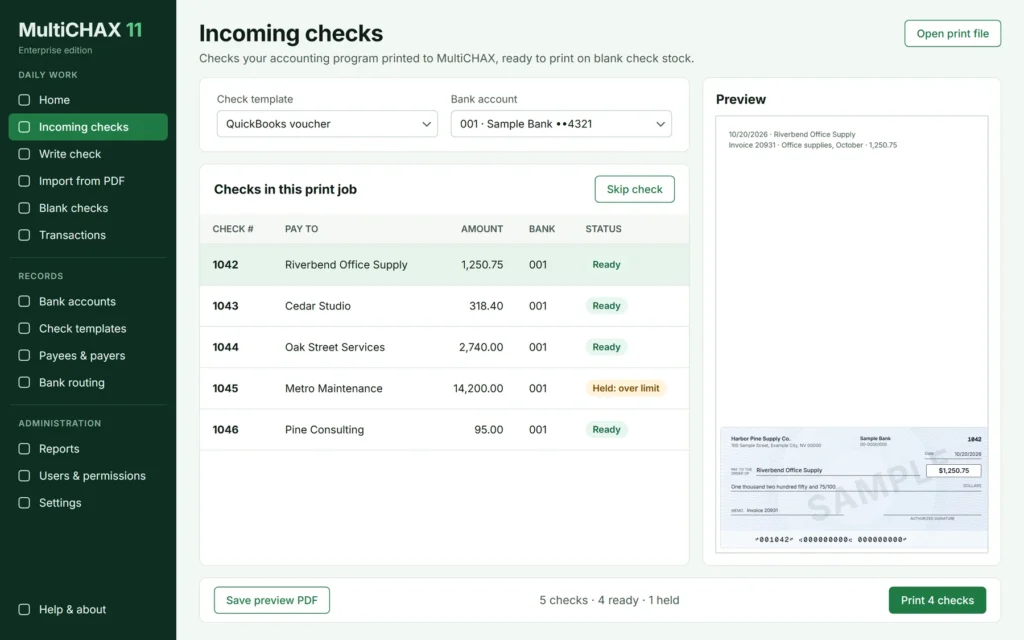
Print checks from your accounting software on blank stock.
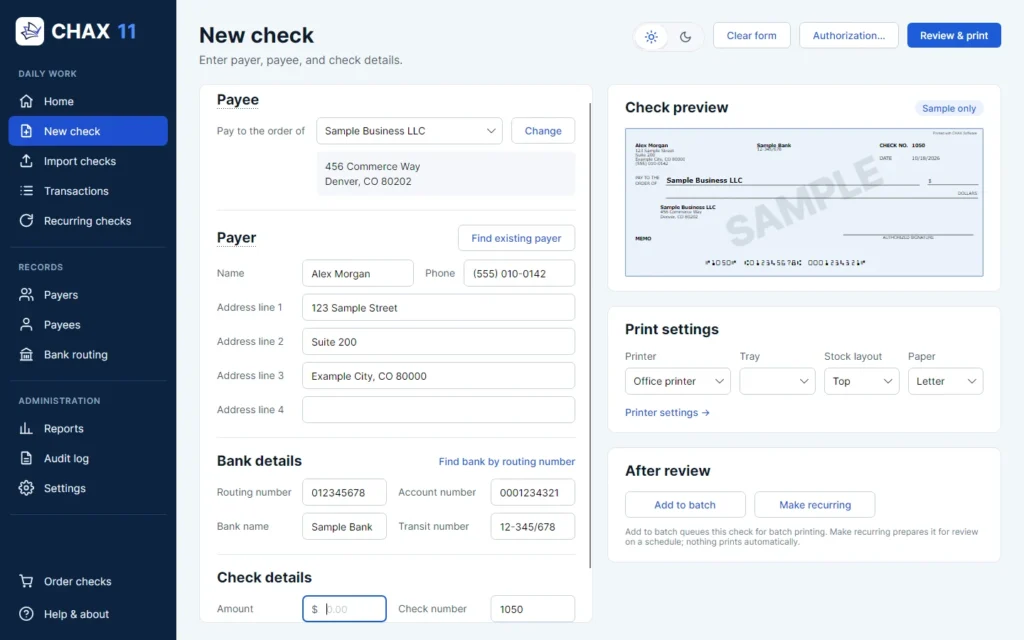
Accept authorized check payments by phone, fax, or email.
Start here
Move to MultiCHAX 11 and bring your data.
Move to CHAX 11.
Print to MultiCHAX from QuickBooks, Sage 50, and other programs.
Bring in checks from QuickBooks Online, Xero, and other programs.
Use the CHAX 11 form or phone script.
See printing fixes for MultiCHAX 11 or CHAX 11.
Still need help?
(702) 389-6009Monday to Friday, 7:00 AM to 4:00 PM PST
support@chax.comInclude your product and version
Send a messageSee the support terms
Older versions
These guides cover CHAX 10 and earlier versions of MultiCHAX. They’re kept for reference and may not match CHAX 11 or MultiCHAX 11.