”’
Does MultiCHAX Work with Quicken, Microsoft Dynamics, and Other Accounting Software?
Published: June 4, 2026 | Author: Chax.com Team | Category: Accounting Software Integration
While MultiCHAX is famous for its seamless integration with QuickBooks and Sage 50, a common question we get is: “Does it work with my accounting software?” The answer is almost always yes.
MultiCHAX was designed from the ground up to be a universal check printing utility. Its power lies in its ability to work with virtually any Windows-based accounting program that can print to a standard printer. This guide will explain how MultiCHAX achieves this broad compatibility and highlight some of the other popular platforms it works with, including Quicken, Microsoft Dynamics, and even Microsoft Excel.
The Secret: The MultiCHAX Virtual Printer
The key to MultiCHAX’s universal compatibility is its virtual printer technology. When you install MultiCHAX, it adds a new “printer” to your system called the “MultiCHAX Virtual Printer.”
Instead of printing to your physical HP or Brother printer, you simply select the MultiCHAX Virtual Printer from your accounting software’s print menu. MultiCHAX intercepts the print job, intelligently reads the data (like the payee, amount, and date), and then reformats it onto your blank check stock using the layout you designed. It then sends the final, complete check to your physical printer.
This process works for any software that can generate a check or payment voucher to a printer.
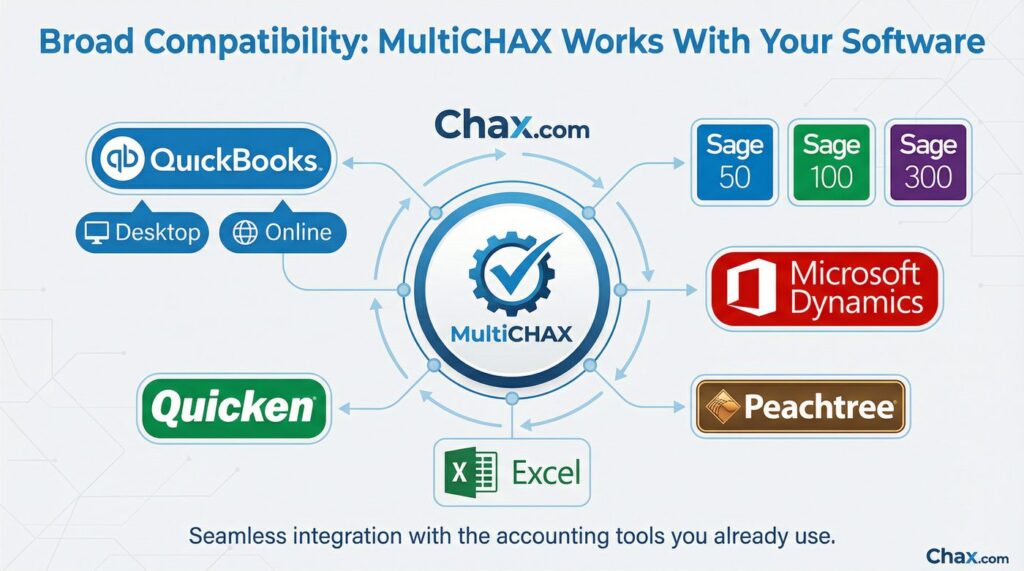
Broad Compatibility: MultiCHAX Works With Your Software
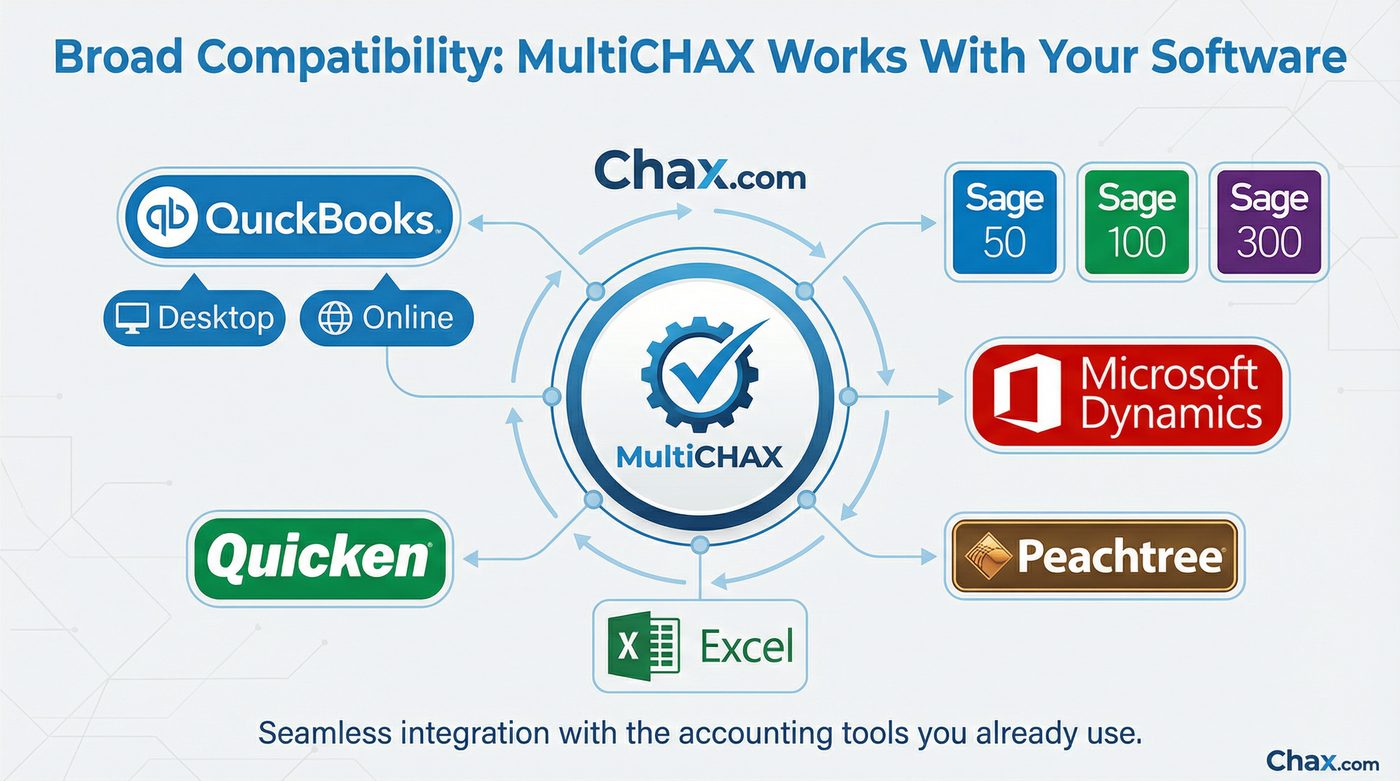
Quicken
Yes, MultiCHAX works perfectly with Quicken. For personal finance users or small businesses that use Quicken to manage their finances, MultiCHAX provides the ideal way to print checks on blank stock. Simply design your check in Quicken and print to the MultiCHAX Virtual Printer to produce a professional, bank-compliant check.
Microsoft Dynamics (GP, NAV, 365)
For businesses running on the Microsoft Dynamics platform (including older versions like Great Plains and Navision, as well as modern Dynamics 365), MultiCHAX is a cost-effective alternative to more complex and expensive check printing add-ons. By printing your payment runs to the MultiCHAX virtual printer, you can easily create checks from multiple bank accounts without expensive customizations to your ERP system.
Sage 100, 300, and other ERPs
Just as with Sage 50, MultiCHAX integrates smoothly with higher-end Sage ERP platforms like Sage 100 and Sage 300. The virtual printer method allows you to bypass the often-rigid check format constraints within these larger systems, giving you full control over your check design and layout.
Even Microsoft Excel!
Do you have a unique payment scenario where you need to generate checks from a simple spreadsheet? MultiCHAX can do that too. If you can format a list of payments in Excel, you can print it to the MultiCHAX Virtual Printer. Our software can be configured to read the columns in your spreadsheet and map them to the correct fields on the check, allowing you to turn a simple Excel sheet into a powerful check run tool.
The Universal Check Printing Solution
The beauty of MultiCHAX is its simplicity and universality. You don’t need a custom API or a complex integration for every piece of software you use. If your accounting program can print, it can work with MultiCHAX.
This makes MultiCHAX an incredibly versatile tool for:
- Accountants and Bookkeepers: Use one check printing tool across all your clients, regardless of whether they use QuickBooks, Sage, Quicken, or another program.
- Businesses with Legacy Software: Still running an older, but reliable, accounting system? As long as it can print, MultiCHAX can extend its life and modernize its payment capabilities.
- Companies with Custom-Built Systems: If you have a proprietary, in-house accounting system, the MultiCHAX Virtual Printer is the easiest way to add secure check printing functionality.
Don’t See Your Software Listed?
If your accounting software isn’t mentioned here, don’t worry. The best way to confirm compatibility is to try it for yourself. The MultiCHAX free trial is fully-featured and allows you to test the integration with your specific accounting platform.
Download the free trial today and see how MultiCHAX can connect with the tools you already use to save you time and money.
”’)))))}])